Monochrome & Dark Mode Workspace Aesthetics: Designing the Ultimate Mac Setup
A cohesive dark mode setup elevates both focus and aesthetic discipline. Discover how to harmonize your physical desk setup, ambient lighting, and 5K monochrome Mac wallpapers.
Vaibhav Sharma
Founder & Creative Technologist, TAZY

Monochrome dark mode desk setup featuring Apple MacBook Pro, Apple Studio Display, and high-end tactile impasto wallpaper • Engineered for 5K Retina & Liquid Retina XDR
There is a reason the world's most influential software architects, industrial designers, and tech founders gravitate toward monochrome and dark mode aesthetics.
A disciplined, monochromatic workspace strips away cognitive noise. When every element—from the anodized aluminum of your MacBook to your mechanical keyboard, your desk mat, and your desktop wallpaper—speaks a unified visual language, your environment disappears and your work takes center stage.
Here is how to architect an elite monochrome dark mode setup around your Mac.
1. The Space Black Era: Hardware Meets Wallpaper
With the introduction of Space Black anodization on the MacBook Pro, Apple solved the perennial smudge and contrast problem of midnight finishes. The dark anodized chassis creates a dark matte frame around the screen.
If you pair a Space Black MacBook with a bright candy-colored or pastel wallpaper, the visual transition between bezel and screen is abrupt and jarring.
By selecting deep chiaroscuro and impasto wallpapers:
2. Ambient Bias Lighting: Eliminating Eye Strain
Working in a completely pitch-black room with a bright screen causes severe asthenopia (ocular strain). The pupil constantly dilates and contracts as your eyes dart between high-brightness code windows and dark room shadows.
The solution is 6500K Bias Lighting (or high-CRI warm 3000K LED strips) mounted behind your monitor or desk surface:
When paired with dark aesthetic 5K wallpapers, bias lighting creates a cinematic atmosphere that makes nocturnal coding sessions effortlessly immersive.
3. Curating the Monochrome Digital Desktop
To complete the monochrome aesthetic inside macOS:
1. Declutter the Desktop
Disable desktop icon clutter. Navigate to System Settings > Desktop & Dock and turn off Show Items on Desktop. Keep your wallpaper completely unobstructed.
2. Auto-Hide the Dock
Set your macOS Dock to auto-hide (Option + Command + D). Let the pure 16:10 impasto artwork command the entire glass canvas until an application is summoned.
3. Choose Muted Accent Themes
In System Settings > Appearance, choose Graphite or Silver. Avoid bright royal blue selection highlights.
4. Multi-Display Harmony: MacBook + Studio Display
Many professionals operate a dual-screen command center: their 14" or 16" MacBook Pro docked beside a 27" Apple Studio Display or Pro Display XDR.
To maintain visual cohesion:
Explore the complete TAZY Volume Collection to acquire fully matched 5K desktop and OLED mobile suites.
Featured 5K Wallpaper Edition
Experience the exact uncompressed 5248 × 3264 master files discussed in this guide. Calibrated for MacBook Pro, MacBook Air, Studio Display, and OLED mobile.
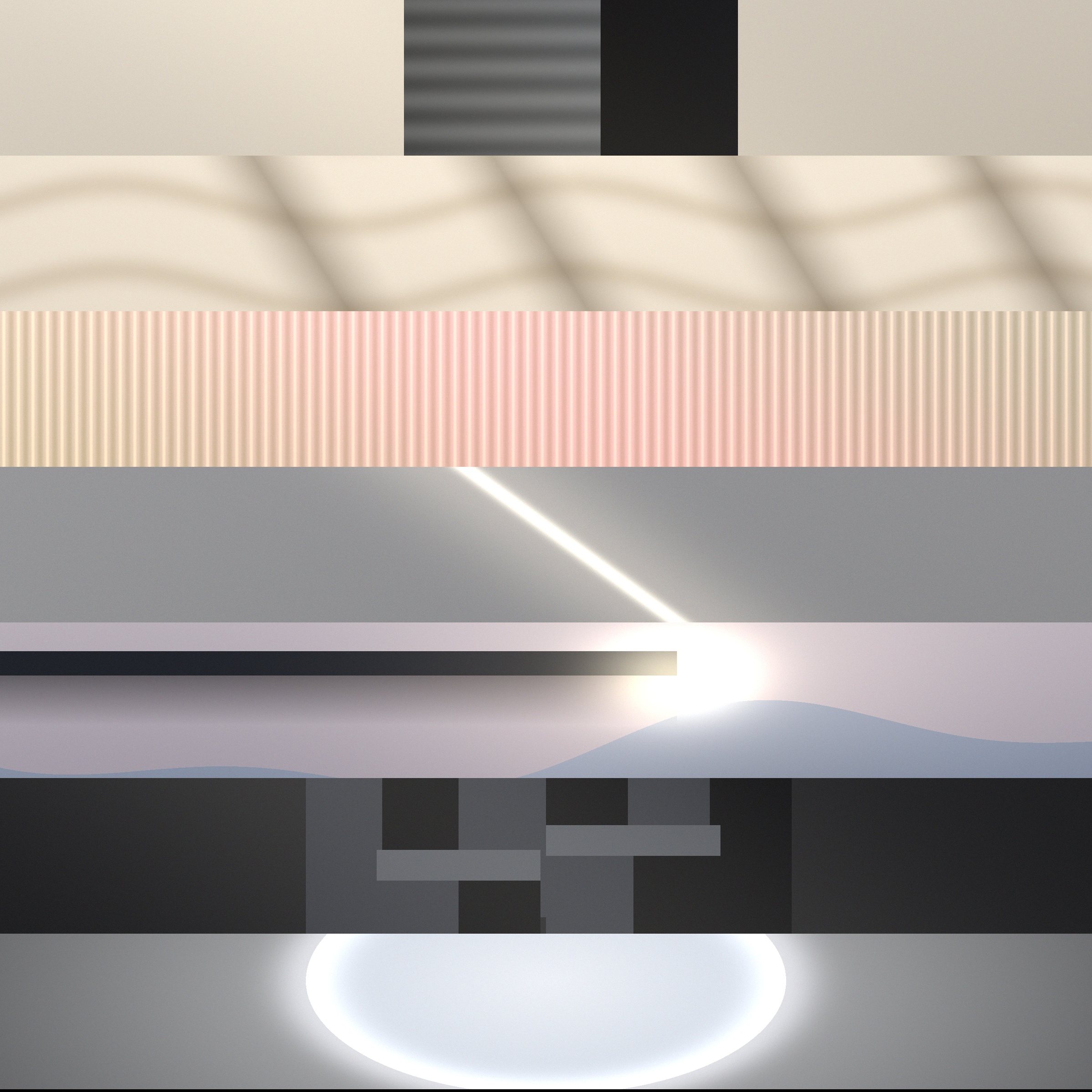
The Volume Collection
56 Master 5K Files • Minimalist
MacBook Wallpaper FAQs
What wallpaper looks best with the Space Black MacBook Pro?
Space Black anodized aluminum features an anodization seal that absorbs light. Wallpapers with deep charcoal backgrounds (#0b0f19 to #1e293b), matte impasto textures, and subtle metallic or carbon highlights match the physical chassis seamlessly.
Does a pure black wallpaper save battery on MacBook Pro?
Yes! Because the 14-inch and 16-inch MacBook Pro screens use mini-LED backlights with 2,500+ local dimming zones, zones covering pitch black regions shut down completely, reducing display power consumption and heat generation.
Related Field Notes
The Ultimate Guide to 5K & Retina MacBook Wallpapers: Resolutions, Color Gamuts, and Scaling
15 Best Minimalist & Aesthetic MacBook Wallpapers for Deep Focus in 2026