The Ultimate Guide to 5K & Retina MacBook Wallpapers: Resolutions, Color Gamuts, and Scaling
Most web wallpapers look blurry on Apple silicon MacBooks. Here is the technical breakdown of Retina 2x pixel doubling, Display P3 color spaces, and how 5K native master files give you razor-sharp clarity.
Vaibhav Sharma
Founder & Creative Technologist, TAZY
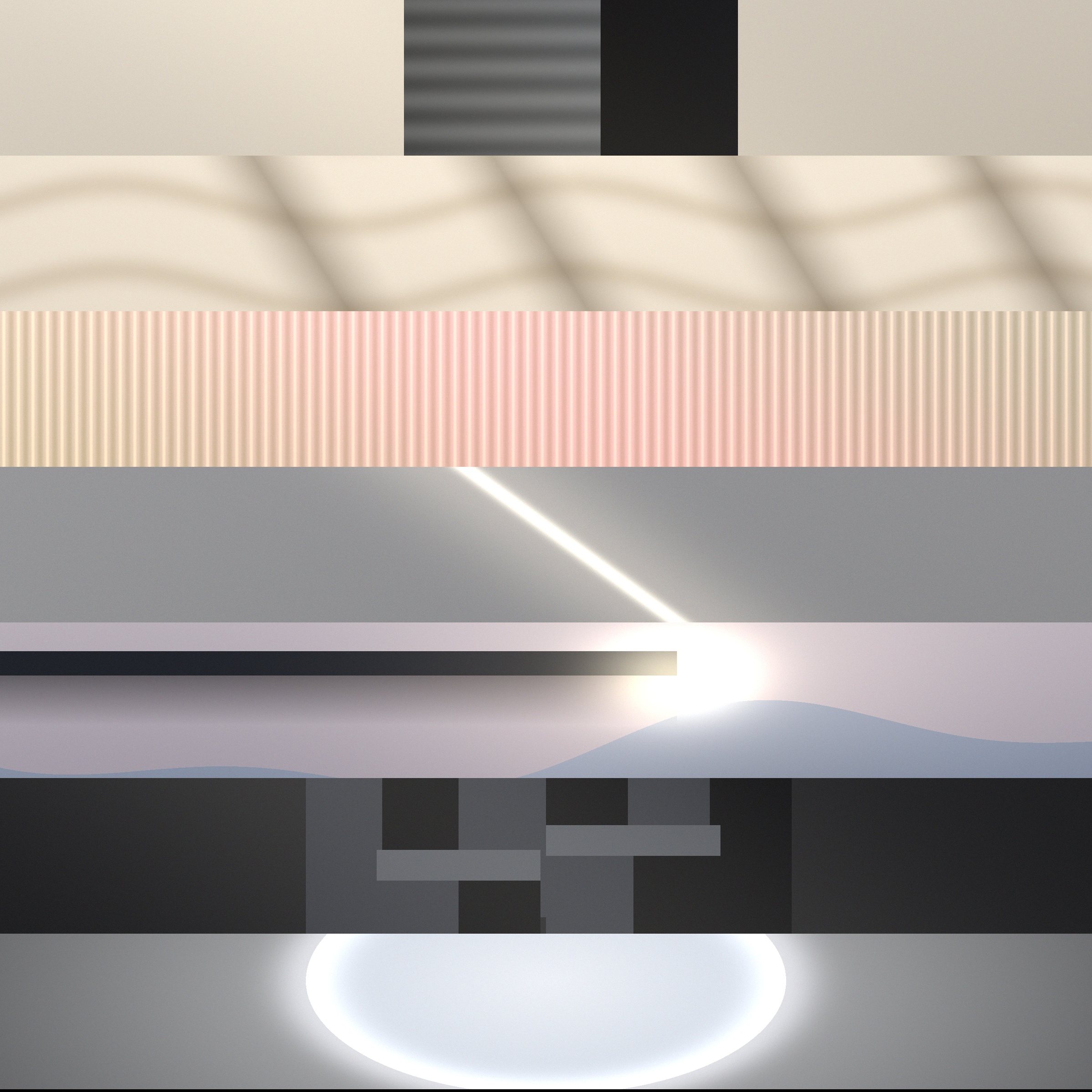
Ultra-high resolution 5K impasto oil artwork wallpaper rendered on Apple MacBook Pro Liquid Retina XDR • Engineered for 5K Retina & Liquid Retina XDR
When you invest in a MacBook Air or MacBook Pro equipped with Apple silicon, you are staring at some of the most technologically advanced consumer panels on Earth: Liquid Retina XDR displays with extreme dynamic range, 1,000,000:1 contrast ratios, 1,600 nits peak brightness, and ProMotion 120Hz refresh rates.
Yet, millions of creators, developers, and founders boot their MacBooks daily only to stretch a low-bitrate 1080p JPEG or compressed Pinterest graphic across their glass. The result is soft edges, color banding across gradients, and visual distraction.
In this masterclass, we break down the engineering behind Apple displays, explain why generic web backgrounds fail, and establish the gold standard for MacBook wallpaper selection.
1. The Retina Display Paradox: Why 1080p and 4K Fail
Apple introduced Retina displays to eliminate individual pixel visibility at ordinary viewing distances. To achieve this, macOS utilizes an internal rendering engine known as HiDPI 2x pixel doubling.
Instead of rendering one UI point to one physical display pixel, macOS renders a 2x2 grid (4 physical pixels) for every 1 virtual point. For example, on a 14-inch MacBook Pro with a physical resolution of 3024 × 1964 pixels, macOS renders the desktop UI as a razor-sharp equivalent of 1512 × 982 points.
The Downside of Standard Web Wallpapers
2. The 16:10 Aspect Ratio & macOS 2x HiDPI Scaling
Since the early days of the PowerBook G4, Apple has fiercely defended the 16:10 display aspect ratio. The additional vertical canvas provides crucial headroom for menu bars, code editors, terminal windows, and dock panels without sacrificing timeline space.
When downloading a wallpaper designed for generic widescreen displays:
All TAZY wallpaper master files are specifically rendered at 16:10 / 16:9 dual-crop compatibility, ensuring that both your MacBook Pro screen and your Apple Studio Display or external 4K monitor render the artwork with mathematical alignment.
3. Display P3 Color Gamut: 25% More Vibrancy
Most wallpapers on the internet are encoded in standard sRGB (Standard Red Green Blue), an 8-bit color space developed in 1996 for CRT monitors.
Modern MacBooks, iPads, and iPhones utilize Display P3 wide color gamut. P3 covers approximately 25% more visible chromatic volume than sRGB:
Every TAZY wallpaper edition is mastered in uncompressed high-bitrate color profiles specifically calibrated for Apple's Liquid Retina XDR color rendering pipeline.
4. Official Resolution Matrix for Apple Silicon MacBooks
Below is the definitive reference table of physical resolutions and pixel densities across current Apple hardware:
| Hardware Model | Physical Display Resolution | Aspect Ratio | Pixel Density (PPI) | Recommended Wallpaper Resolution |
|---|---|---|---|---|
| MacBook Air 13.6" (M2 / M3) | 2560 × 1664 | 16:10 | 224 PPI | 3840 × 2400 (4K+) or 5K |
| MacBook Air 15.3" (M2 / M3) | 2880 × 1864 | 16:10 | 224 PPI | 5120 × 2880 (5K UHD) |
| MacBook Pro 14.2" (M1–M4) | 3024 × 1964 | 16:10 | 254 PPI (Liquid Retina XDR) | 5120 × 3200 (5K) or 5.2K |
| MacBook Pro 16.2" (M1–M4) | 3456 × 2234 | 16:10 | 254 PPI (Liquid Retina XDR) | 5120 × 3328 or 5.2K |
| Apple Studio Display 27" | 5120 × 2880 | 16:9 | 218 PPI (5K Retina) | 5120 × 2880 (5K UHD) |
| Pro Display XDR 32" | 6016 × 3384 | 16:9 | 218 PPI (6K Retina) | 6016 × 3384 (6K UHD) |
5. Why 5K (5120×2880) and 5.2K Master Files Dominate
When you apply a master 5K wallpaper (5120 × 2880 or 5248 × 3264) to a 14-inch or 16-inch MacBook Pro, an extraordinary optical transformation happens: supersampling.
Rather than stretching missing pixels, macOS *downsamples* higher-fidelity pixel data into the physical micro-LED array. This achieves:
Explore Curated 5K Wallpapers for Your Mac
If you appreciate ruthless visual discipline, explore the TAZY Volume Collections. Mastered specifically for MacBook Pro, Studio Display, and Super Retina iPhone screens.
Featured 5K Wallpaper Edition
Experience the exact uncompressed 5248 × 3264 master files discussed in this guide. Calibrated for MacBook Pro, MacBook Air, Studio Display, and OLED mobile.
The Volume Collection
56 Master 5K Files • Minimalist
MacBook Wallpaper FAQs
What resolution is best for MacBook Pro and MacBook Air wallpapers?
The ideal resolution for modern MacBooks is at least 5K UHD (5120 × 2880 or 5248 × 3264) in a 16:10 aspect ratio. Because macOS uses a 2x Retina HiDPI scaling engine, standard 1080p or even stretched 3840 × 2160 (16:9) images suffer from subpixel interpolation and visible letterboxing.
Why does my wallpaper look blurry on my MacBook Liquid Retina XDR screen?
Apple's 14-inch and 16-inch MacBook Pro displays feature 254 pixels per inch (PPI) with mini-LED backlights. When an image is compressed or lower than the native panel resolution (e.g. 3024 × 1964 or 3456 × 2234), macOS must artificially upscale the pixels, leading to soft edges, fuzzy text, and color banding.
Does wallpaper aspect ratio matter for MacBook screens?
Yes. Unlike standard Windows monitors or televisions that use 16:9 widescreen, Apple MacBooks strictly feature 16:10 taller display panels. Setting a 16:9 wallpaper forces macOS to crop the sides or stretch the image, distorting the artist's original composition.
What is Display P3 wide color gamut and why does it matter for Mac wallpapers?
Display P3 provides 25% broader color spectrum coverage than standard sRGB, particularly across deep reds, emerald greens, and velvety shadows. Premium wallpapers calibrated in P3 preserve dynamic range and prevent shadow clipping on Apple Liquid Retina XDR panels.
Related Field Notes
15 Best Minimalist & Aesthetic MacBook Wallpapers for Deep Focus in 2026
Why Low-Resolution Wallpapers Ruin Liquid Retina XDR Displays (And How 5K Solves It)