Why Low-Resolution Wallpapers Ruin Liquid Retina XDR Displays (And How 5K Solves It)
Apple's 10,000 mini-LED display array exposes every flaw in compressed web graphics. Here is why 5K uncompressed master files are mandatory for 14-inch and 16-inch MacBook Pros.
Vaibhav Sharma
Founder & Creative Technologist, TAZY
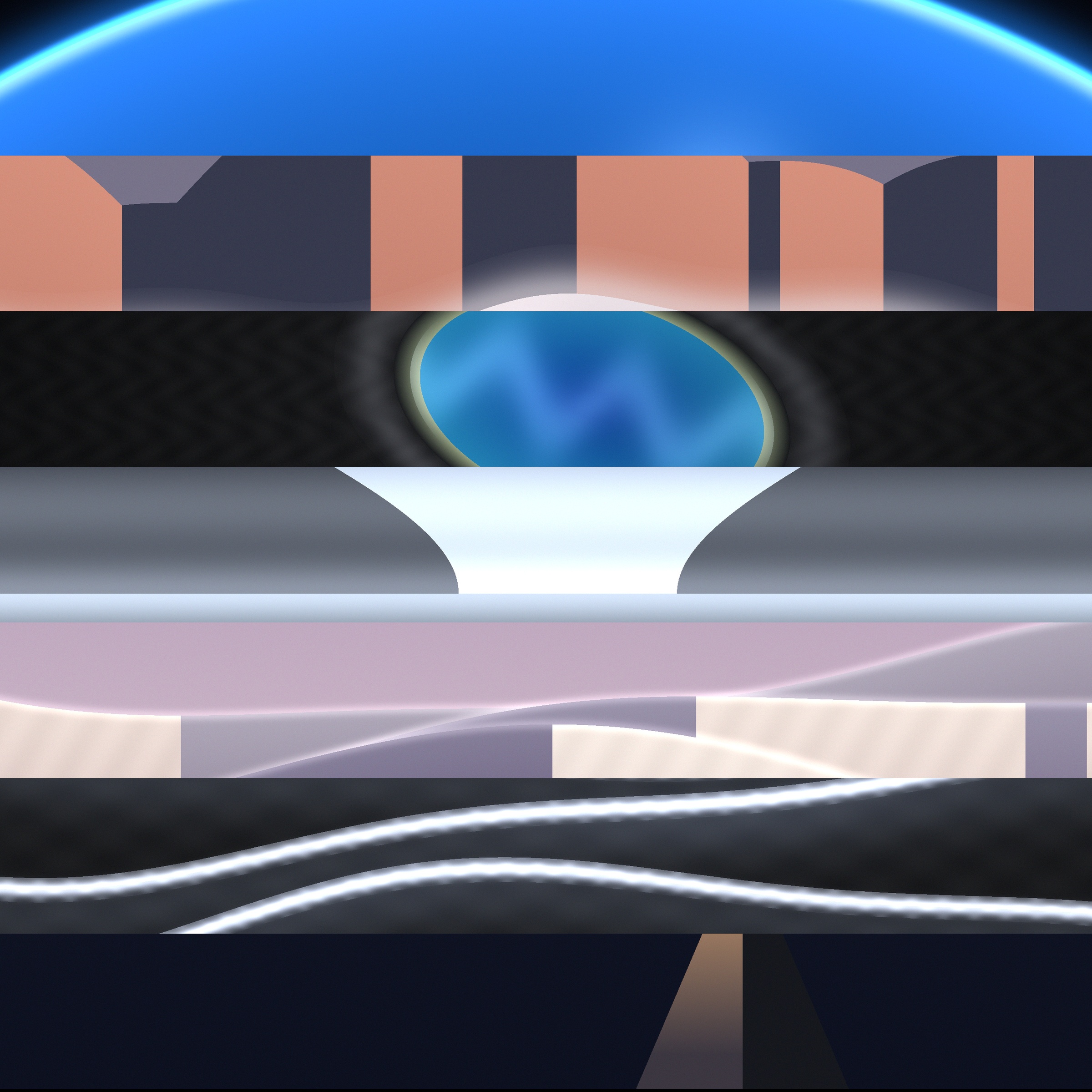
Apple MacBook Pro Liquid Retina XDR displaying high contrast 5K oil artwork with mini-LED black levels • Engineered for 5K Retina & Liquid Retina XDR
When Apple unveiled the redesigned MacBook Pro with the M1 Pro and M1 Max chips, they quietly delivered one of the greatest leaps in portable display technology: the Liquid Retina XDR.
Featuring a custom array of over 10,000 individual mini-LEDs grouped into more than 2,500 local dimming zones, the panel achieves:
However, this extraordinary dynamic range has a dark side: it mercilessly reveals every flaw in inferior digital artwork.
1. The Physics of Liquid Retina XDR: 10,000 Mini-LEDs
On an ordinary office monitor or cheap laptop, poor wallpapers pass unnoticed because the low-contrast backlight "washes out" subtle gradients into a uniform milky gray.
On a MacBook Pro:
2. The Compression Curse: Color Banding and Artifacts
Most wallpaper aggregator websites compress images down to 300–800 KB to save server hosting costs. In doing so, they strip out the high-frequency chroma channels.
On a Liquid Retina XDR screen, this creates Color Banding:
To feed a Liquid Retina XDR panel properly, artwork must be mastered at 10-bit color depth in lossless or master-quality containers with file sizes typically ranging between 15 MB and 30 MB.
3. Subpixel Anti-Aliasing on Apple Silicon
Unlike Windows ClearType, modern macOS does not use aggressive subpixel font smoothing; it relies purely on the ultra-high physical pixel density of Retina panels (224–254 PPI) for spatial anti-aliasing.
When you display a genuine 5K master file (5120 × 2880), the artwork provides more spatial information than the panel can physically display. The macOS window server smoothly downsamples the high-frequency details, creating an optical illusion of physical depth. The screen stops looking like a digital monitor and starts feeling like an oil painting framed under gallery glass.
4. 5K UHD vs Standard 4K: The Numbers
| Parameter | Standard Web Wallpaper | 4K UHD Wallpaper | TAZY Master 5K Edition |
|---|---|---|---|
| Resolution | 1920 × 1080 (1080p) | 3840 × 2160 (4K) | 5248 × 3264 (5.2K Master) |
| Total Pixels | 2.07 Megapixels | 8.29 Megapixels | 17.13 Megapixels |
| Aspect Ratio | 16:9 (Stretched on Mac) | 16:9 (Cropped on Mac) | 16:10 Native Apple Ratio |
| Color Profile | sRGB (8-bit) | sRGB (8-bit) | Display P3 Wide Gamut (10-bit) |
| File Compression | Heavy Lossy JPEG (~400 KB) | Medium WebP (~1.5 MB) | Lossless High-Bitrate Master (~25 MB) |
| Liquid Retina XDR Rating | Poor (Visible Artifacts) | Acceptable | Flawless Studio Fidelity |
Your MacBook Pro is an elite creative instrument. Give it the visual caliber it was engineered to project.
MacBook Wallpaper FAQs
Why do dark wallpapers show ugly rings or bands on my MacBook Pro?
This is known as 8-bit color quantization or JPEG compression banding. Low-quality wallpapers use aggressive lossy compression that truncates smooth color gradients into harsh discrete steps. Apple's high-contrast mini-LED panels amplify these flaws exponentially.
What makes TAZY wallpapers different from free wallpaper sites?
Free sites compress images to 200–500 KB JPEGs to reduce bandwidth costs. TAZY delivers uncompressed 20–35 MB master PNG files exported directly from 5K and 5.2K digital canvases in full Display P3 color space with zero compression artifacts.
Related Field Notes
The Ultimate Guide to 5K & Retina MacBook Wallpapers: Resolutions, Color Gamuts, and Scaling
15 Best Minimalist & Aesthetic MacBook Wallpapers for Deep Focus in 2026